
US$900,000+raised

EN
Pro deep-sky images. Without the pro deep-sky hassle.
Get C42 product news, field tests and campaign updates.
You’re subscribed! Next, reserve your VIP offer with a refundable US$100 deposit.
You’re subscribed! Taking you to our Facebook group…
Continue to VIP Reservation →Get C42 product news, field tests and campaign updates.
You’re subscribed! Next, reserve your VIP offer with a refundable US$100 deposit.
You’re subscribed! Taking you to our Facebook group…
Continue to VIP Reservation →
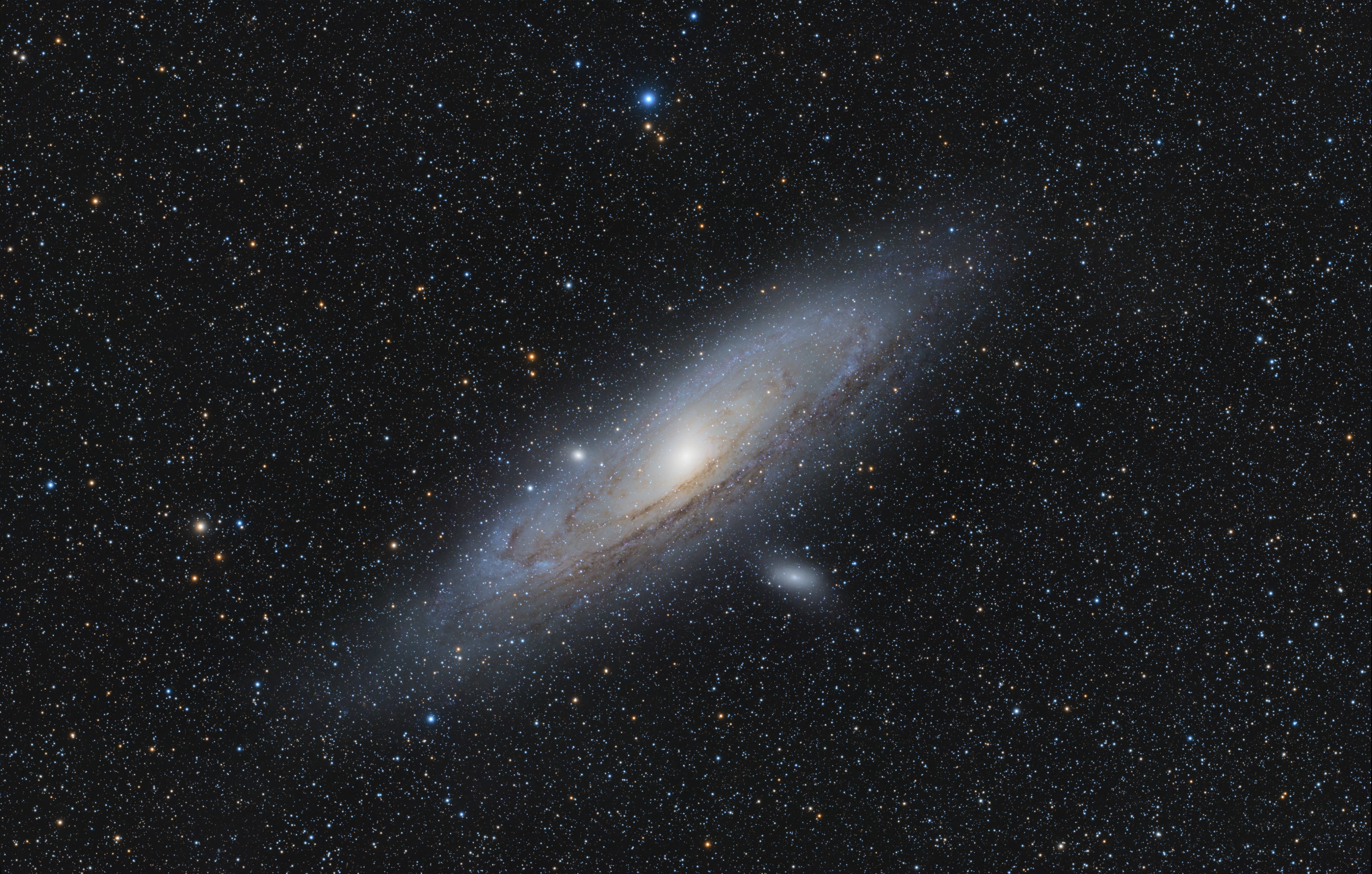
M31 · Haba Lake Astronomical Observatory, Yanchi County, Ningxia, China
C42 + Askar FRA400 (400mm, f/5.6) · 100 × 300s (8 h 20 min total exposure)
For widefield deep-sky imaging, acquisition comes first. The C42’s full-frame sensor, 5.94 µm pixels, and active cooling capture a complete field with more signal per pixel.
Its CAA rotates the camera and lens together, allowing easy reframing without remounting or reshooting flats. With encoder-based tracking, it’s a professional imaging system built for the field.
Alpha Zhang
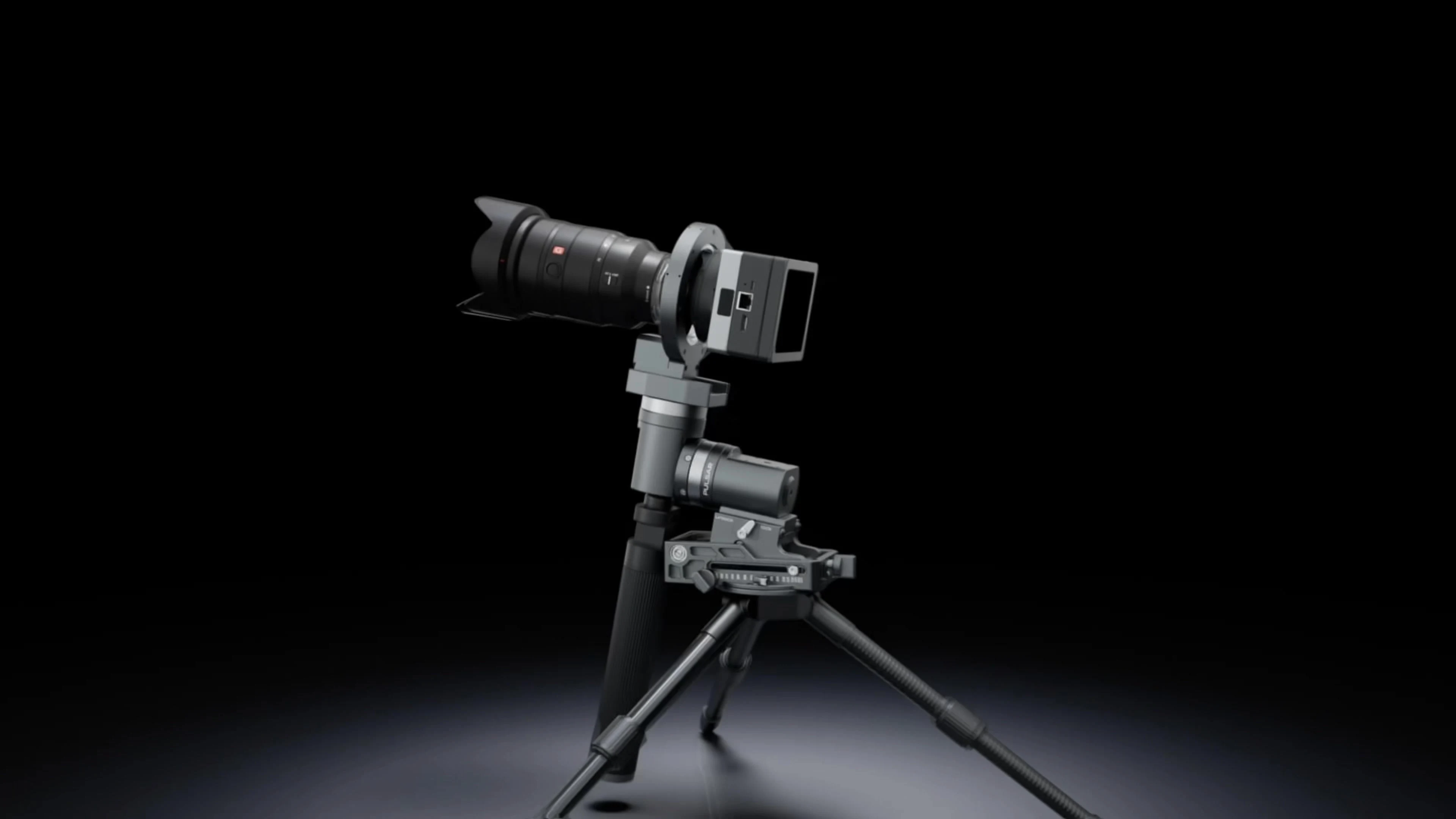
- The whole system: 4 devices
- 2 cables
- From case to first frame
- ~10 min
- Imaging and guiding on one sensor
- GWI™
- Focus, GoTo and capture on one screen
- ArcBlue OS
What You No Longer Carry.
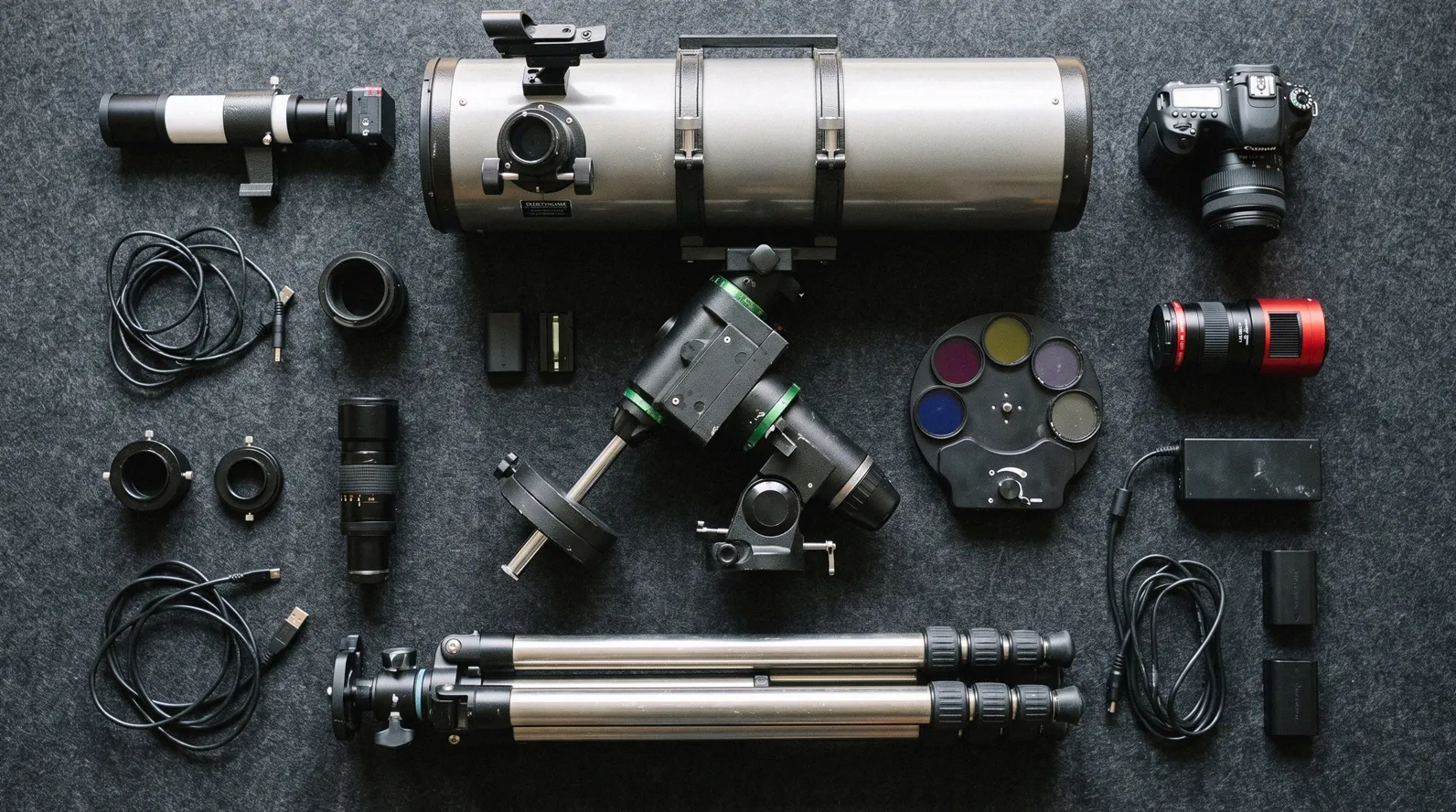
Cooled camera + guide scope + guide camera + mount + control box + rotator + autofocuser + power + cables
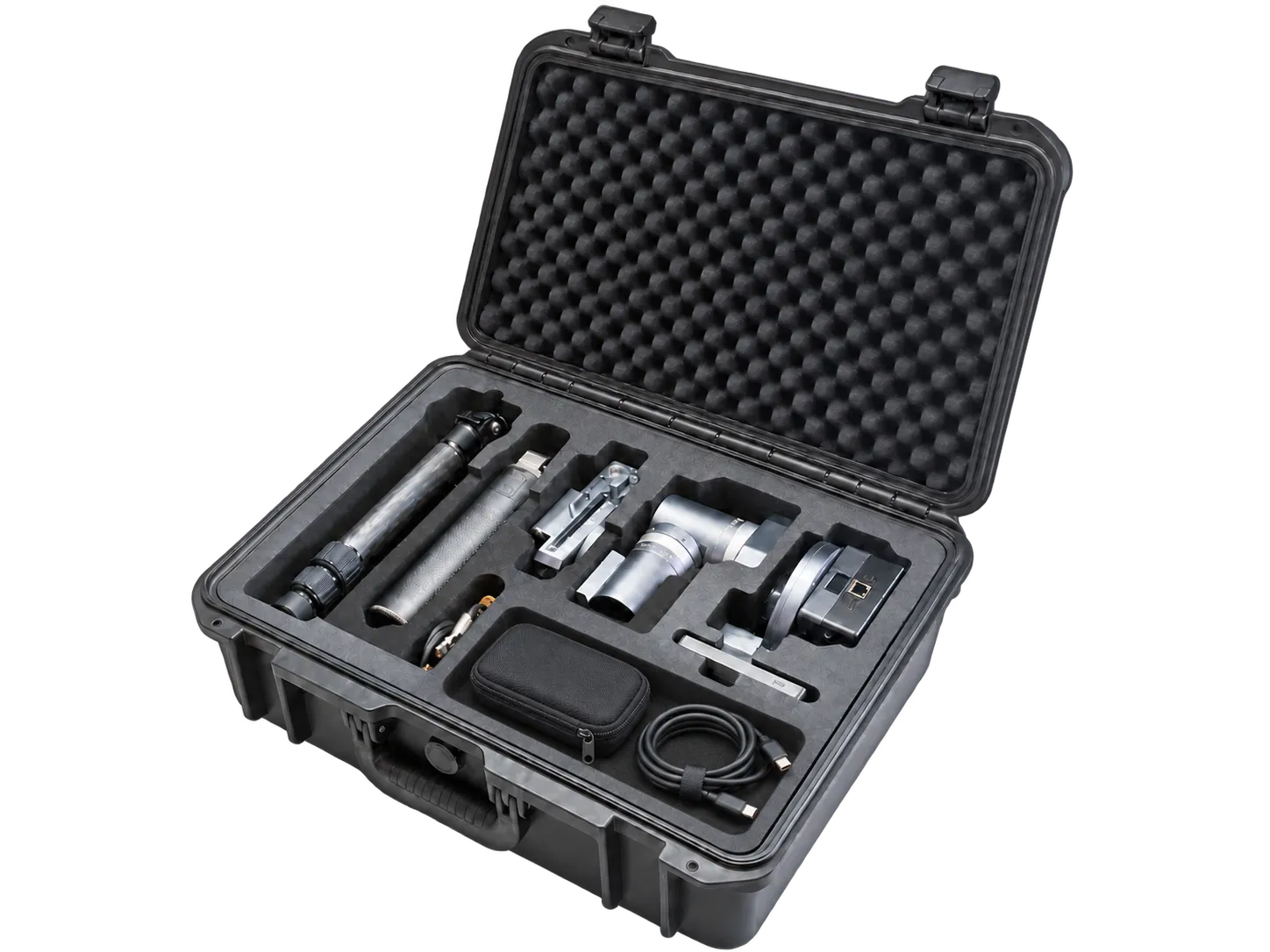
Imaging, tracking, guiding and control. One system.
Why C42 for Deep Sky?
Simpler than the rig you have, and it works alongside it. Far more capable than a smart telescope.
Traditional Setup · With C42
Traditional Setup
Setup Complexity
Traditional deep-sky rigs rely on separate imaging, guiding, and control equipment. Every connection and setting adds something to check before you can shoot.
With C42
Streamlined Professional Imaging
Imaging, GWI™ on-sensor guiding, control, and storage come together in C42, with smart setup that simplifies preparation. Keep professional imaging capability and spend more of each clear night composing and capturing.
Traditional Setup
Too Many Steps Before the Final Image
Calibrate frames, stack exposures, and move files between tools. Repetitive processing delays the creative work.
With C42
In-Camera Astrophotography Processing
C42 handles calibration, stacking, and image processing in-camera. Export an image ready for creative editing, from fine detail to color and mood.
Keep Your Workflow
Open-Source Ecosystem
The open-source ecosystem supports your existing workflow. You can even explore creative ways to control your system with AI agents.
Remote Imaging
Remotely control observatories around the world.
For widefield deep-sky imaging, acquisition comes first… With encoder-based tracking, it’s a professional imaging system built for the field.
 Alpha Zhang Deep-sky imager, Shanghai.
Smart Telescope · With C42
Smart Telescope
Phone-Sized Small Sensors
Many smart telescopes use sensors comparable in size to those in smartphones. Longer focal lengths quickly crowd the frame, forcing a trade-off between a closer look and the whole target.
With C42
Full-Frame Imaging
With roughly 12–49× the sensor area*, C42 captures wider views or makes room for longer-focal-length, larger-aperture optics—for fine detail, complete framing, and faster light collection.
*Compared with representative 1/1.2″–1/2.8″ sensors.
Smart Telescope
Fixed Optics Limit Your Exploration
Smart telescopes with fixed optics give you one focal length. A different target or an optical upgrade can mean buying another telescope.
With C42
Open Optics
Reuse compatible lenses and telescopes, explore more subjects with different focal lengths, and upgrade your optics—all with the same C42.
I'm kind of embarrassed to say how much time I've spent trying to find even the Andromeda Galaxy… With C42 system, I go click and it's there.
 Alex McGregor Chasing Luminance
Professional imaging, nothing left out.
Fewer devices, and nothing taken away from the image.
- 24MP Full-Frame
- CMOS Sensor
- 5.94 μm
- Pixels
- >80%
- QE
- <1.5e-
- Noise

C42 Full-Frame Sensor
Wider Field of View
Higher Signal-to-Noise Ratio

APS-C Sensor
Heat builds noise
An uncooled sensor warms up through the night. Thermal noise rises, and darks shot at one temperature no longer match the next.
Held up to 30 °C below ambient
C42 cools the sensor and holds it steady, so one master dark can be reused across the night.
Round stars, frame after frame
GWI™ reads guide windows on the imaging sensor while the rest keeps collecting light. Guiding and imaging share one optical path, so there is no flex between them. Guided single exposures of at least 10 minutes.
We divide the sensor into separate regions. One region takes short guide exposures while the rest handles the long exposure.
 Dr. Feichen Shen ArcBlue
First Frame in About Ten Minutes.
All that capability, and it is still quick to start.
Pre-Shoot: From Setup To Start
10min
C42 System Smart Pre-Shooting
Faster, Easier Shooting Prep
1hour
Traditional Deep-Sky Pre-Shooting
Simplify The Workflow. Enjoy The Night Sky.
-
Fast Deployment
Assemble in about 3 minutes, with fewer devices, cables and fewer steps.
-
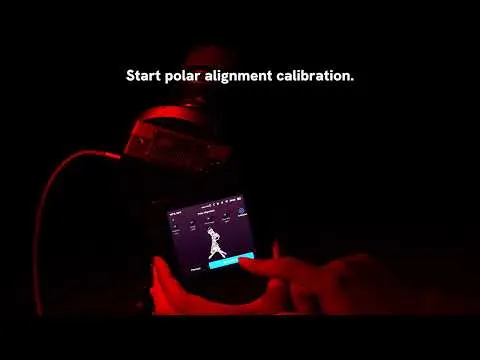
Quick Polar Alignment
Follow the on-screen guide for quick, precise polar alignment — with alignment-free shooting planned for the future.*
* Three-axis compensation is in development and will be delivered through a future OTA update.
-
Automatic Pointing. Then Your Framing.
Choose a target on the star map and let C42 point to it, refining the position with plate solving. Then set your framing position and angle; HALO rotates the camera to your chosen angle.
-
@chasingluminance GWI™ + Mount. Two Layers of Tracking.
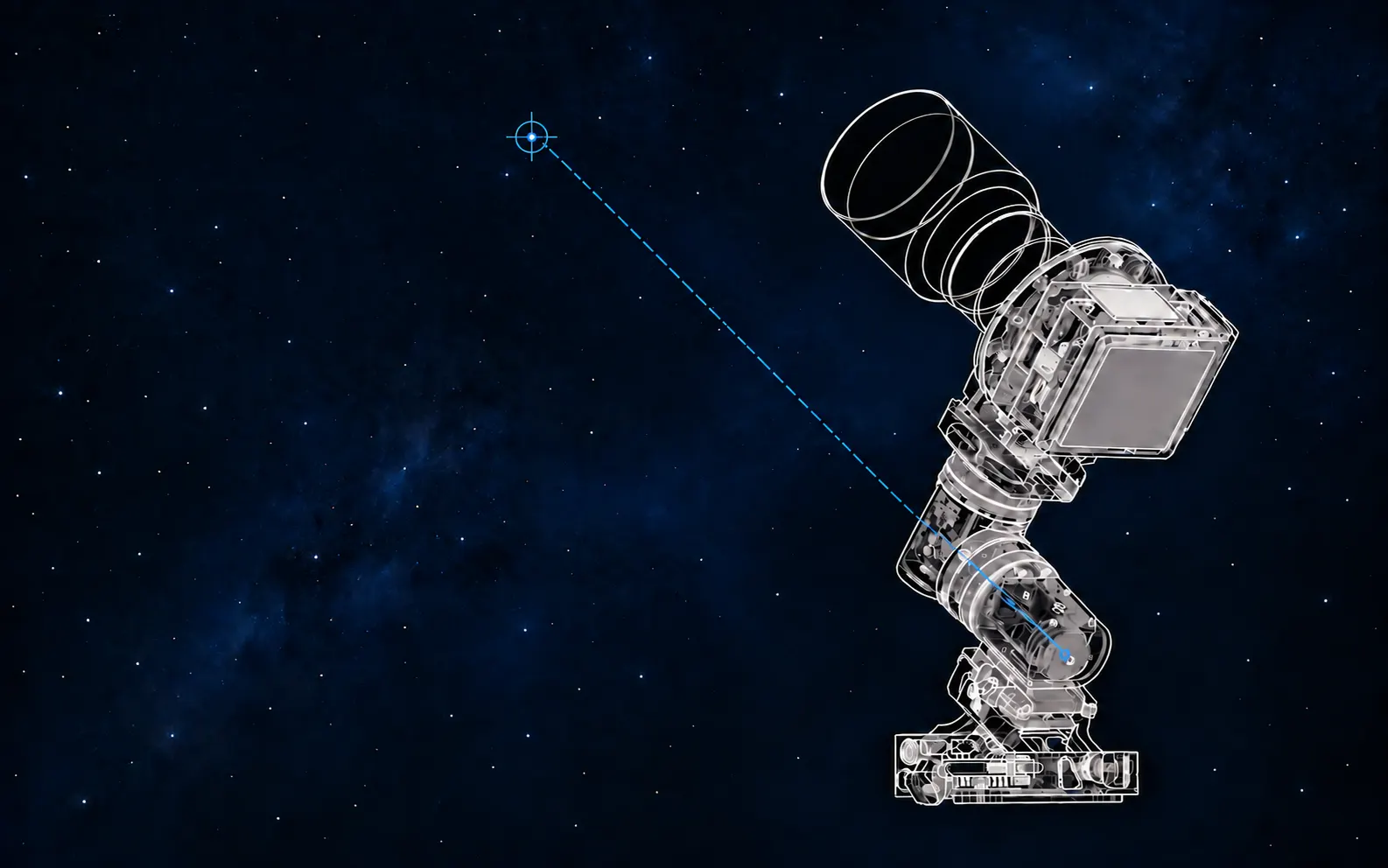
The mount’s encoder feedback keeps tracking steady, while GWI™ measures star drift on the imaging sensor and feeds corrections back to the mount. Together, they keep stars sharp without a separate guide scope or guide camera.
Reframe Without Starting Over.
HALO CAA rotates the camera and lens together. Focus, filters and flat frames stay valid, so you can turn a nebula from horizontal to diagonal in seconds.
From Capture to Creative Processing
Live or Later
C42 In-Camera Automation
In-Camera Calibration & Stacking
- Dark & flat-field correction
- HDR blending
- Live stacking while shooting
- Select & process frames afterward
Manual Desktop Workflow
Traditional Manual Processing
Camera Lenses or Telescopes. One C42.
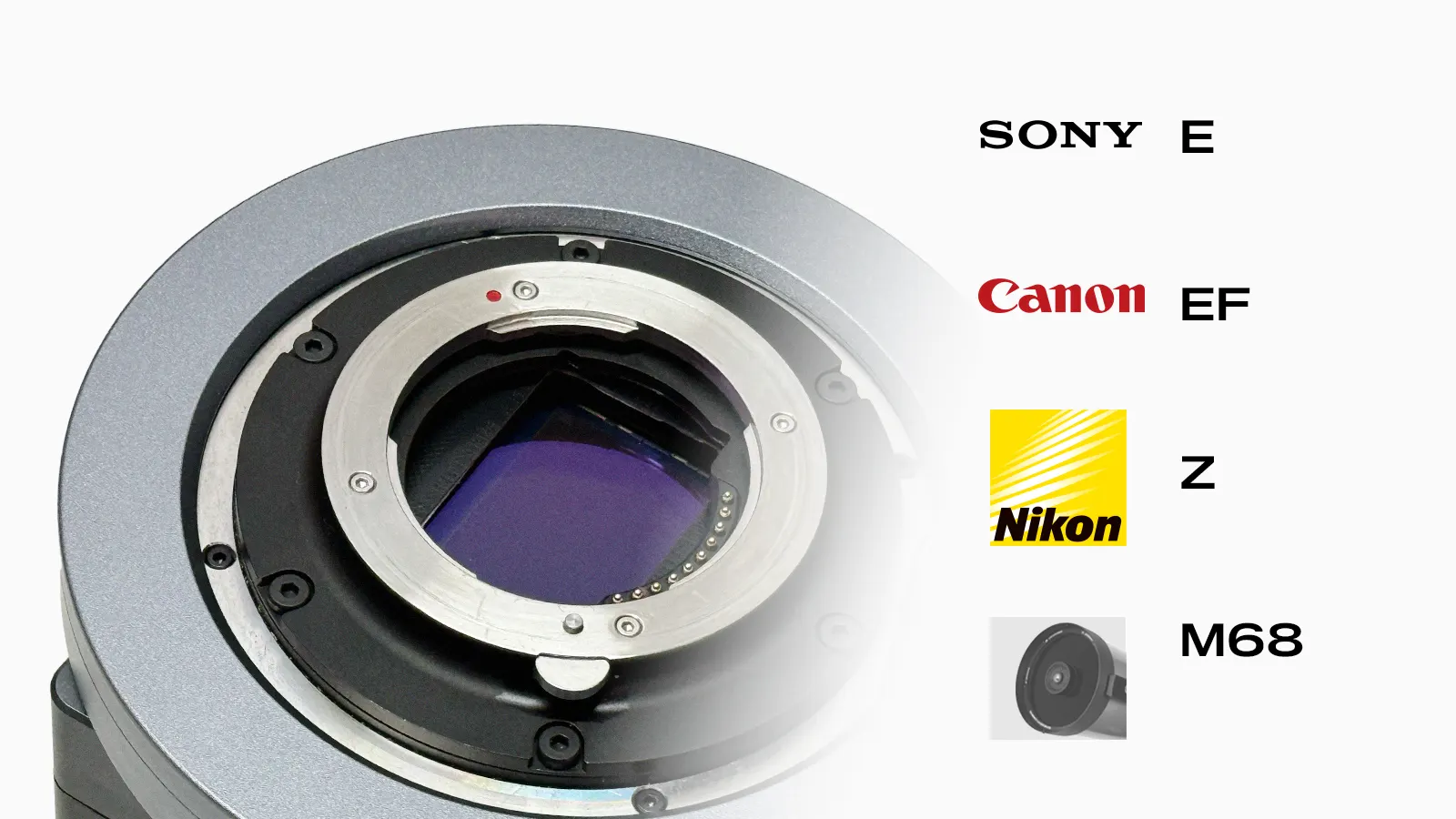
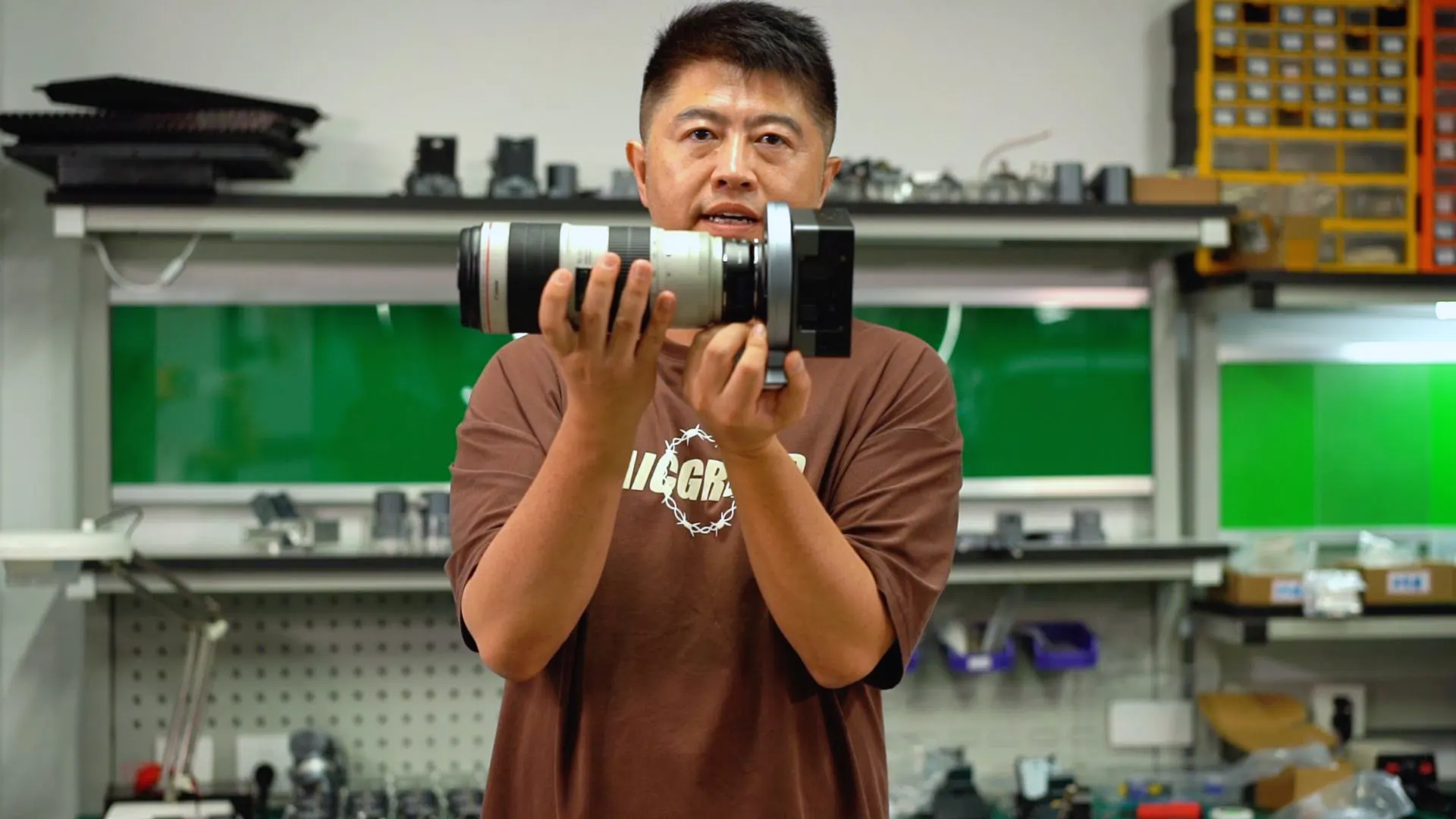
Four interface options: Sony E, Canon EF, Nikon Z and M68.
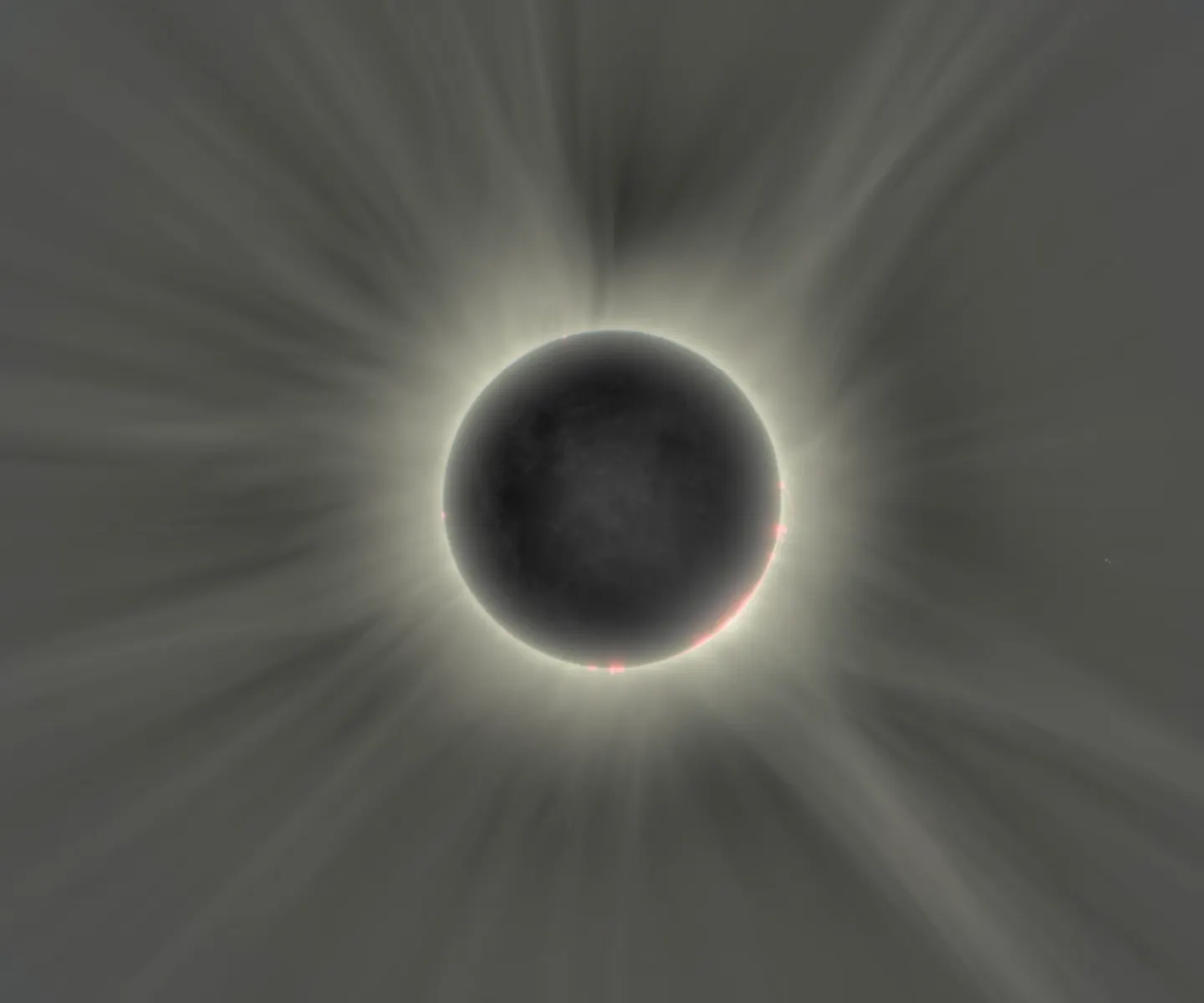
Moon and Sun
HDR RAW Fusion captures up to 29 stops in one 16-bit floating-point DNG — from bright prominences to the faint outer corona. Moon Tracking mode keeps the Moon in frame.
High Dynamic Range Total Solar Eclipse Time-Lapse
Captured by Feichen Shen with a C42 prototype · 29 stops of dynamic range · shortest exposure 0.0002 s
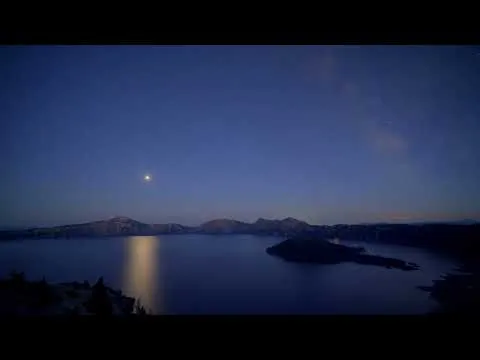
Lunar Eclipse at Crater Lake
Ready for All-Night Shooting.
Power, storage and device features to consider when planning a night in the field.
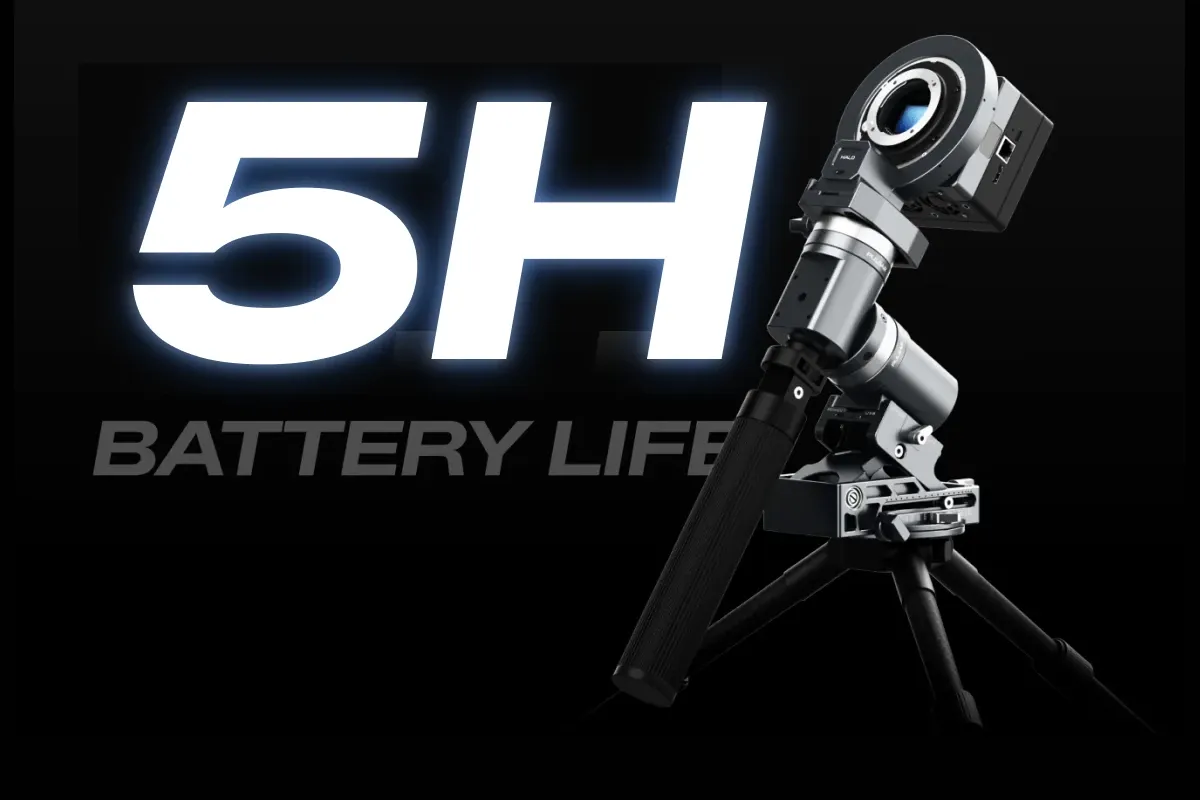
Stay Powered. Stay Shooting.
The counterweight battery balances and powers your setup. Connect a compatible portable power station, or link batteries end to end to charge one another. Adapt your power setup to keep longer shoots going.
- Up to 5 Hours
- Cooling Off
- Approx. 2 Hours
- Full-Power Cooling
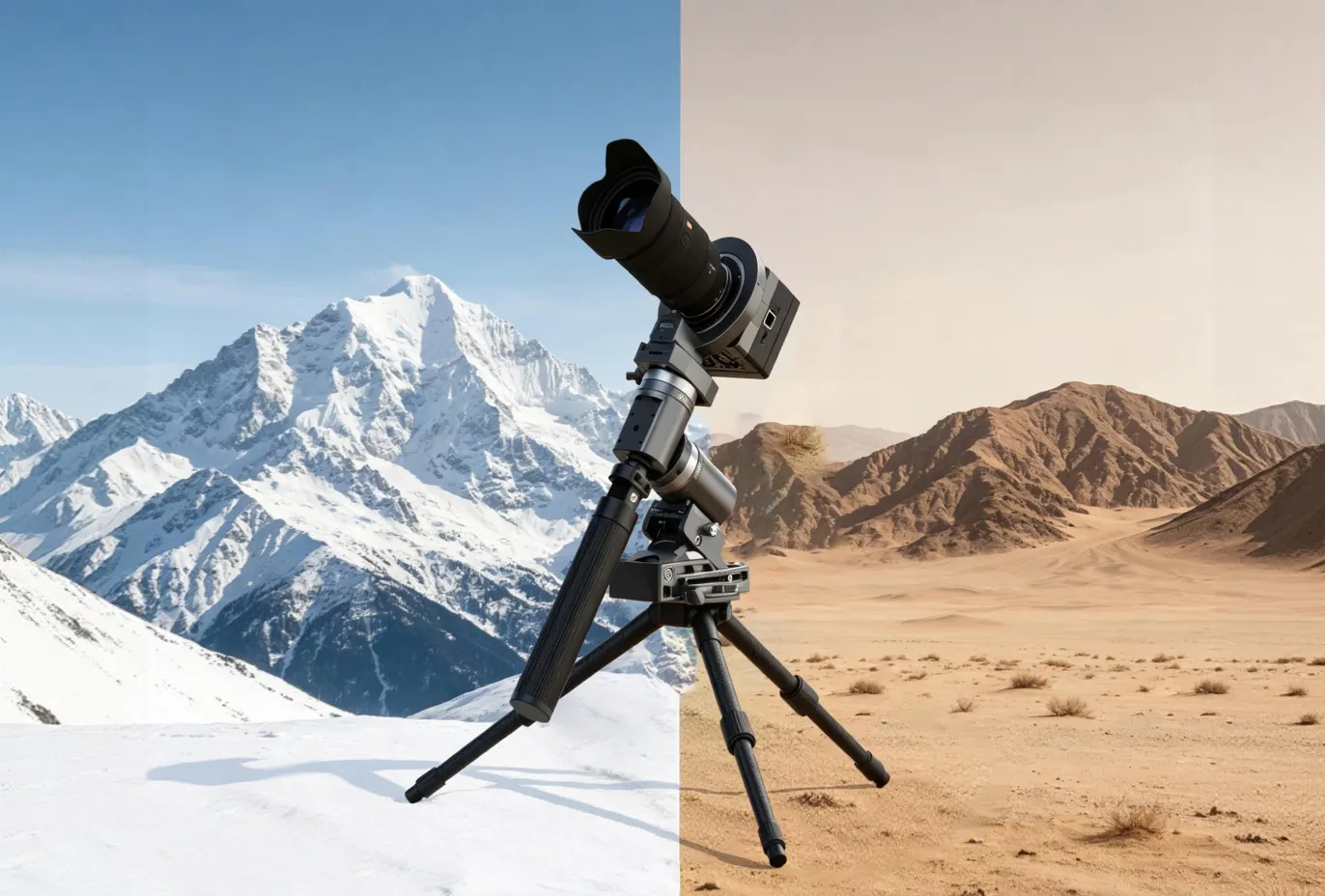
Features for Field Use
Aluminum-alloy construction, a built-in anti-dew heater and device alerts support field use. Check operating limits for your conditions.
- -20°C To 40°C
- Anti-Dew Heater
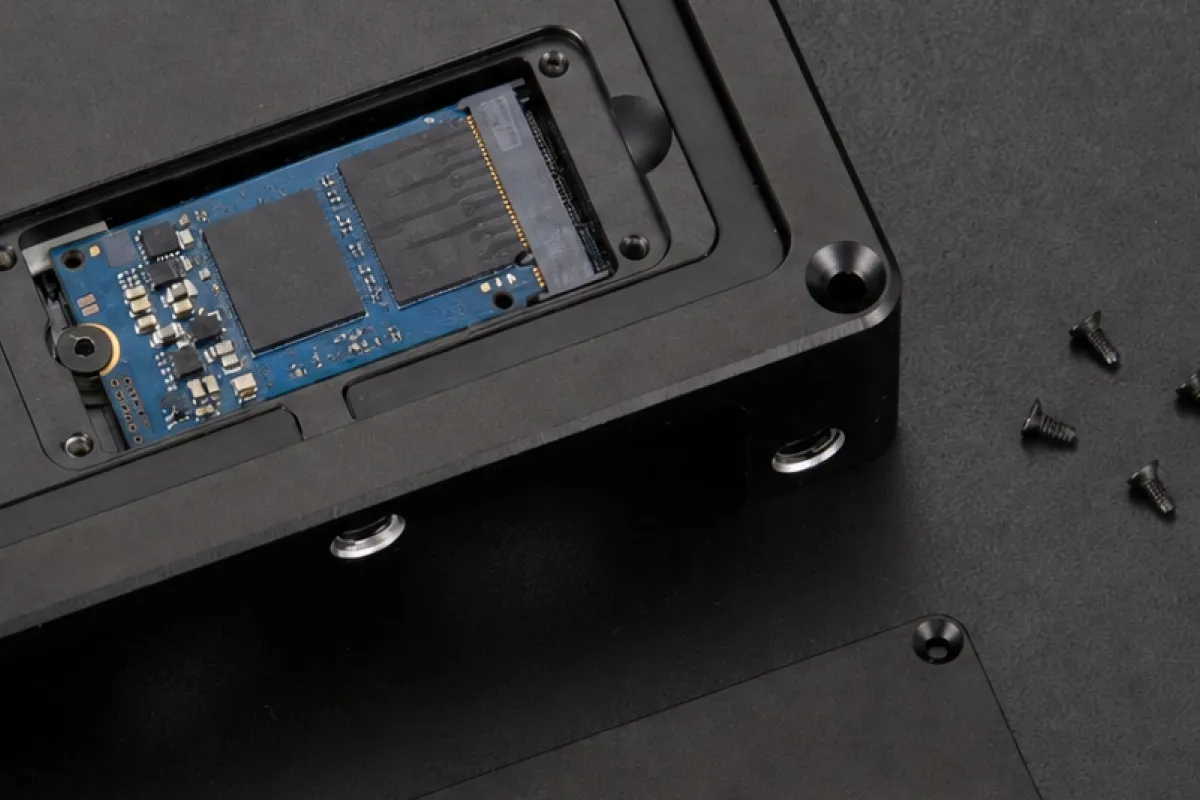
High-Speed SSD Storage
C42 includes 8 GB of eMMC storage for FITS/DNG RAW imaging workflows. Kickstarter includes a complimentary 128 GB SSD, upgradeable to a maximum of 2 TB.
- Up To 2TB
- 128 GB SSD on Kickstarter
- FITS/DNG
- RAW Imaging
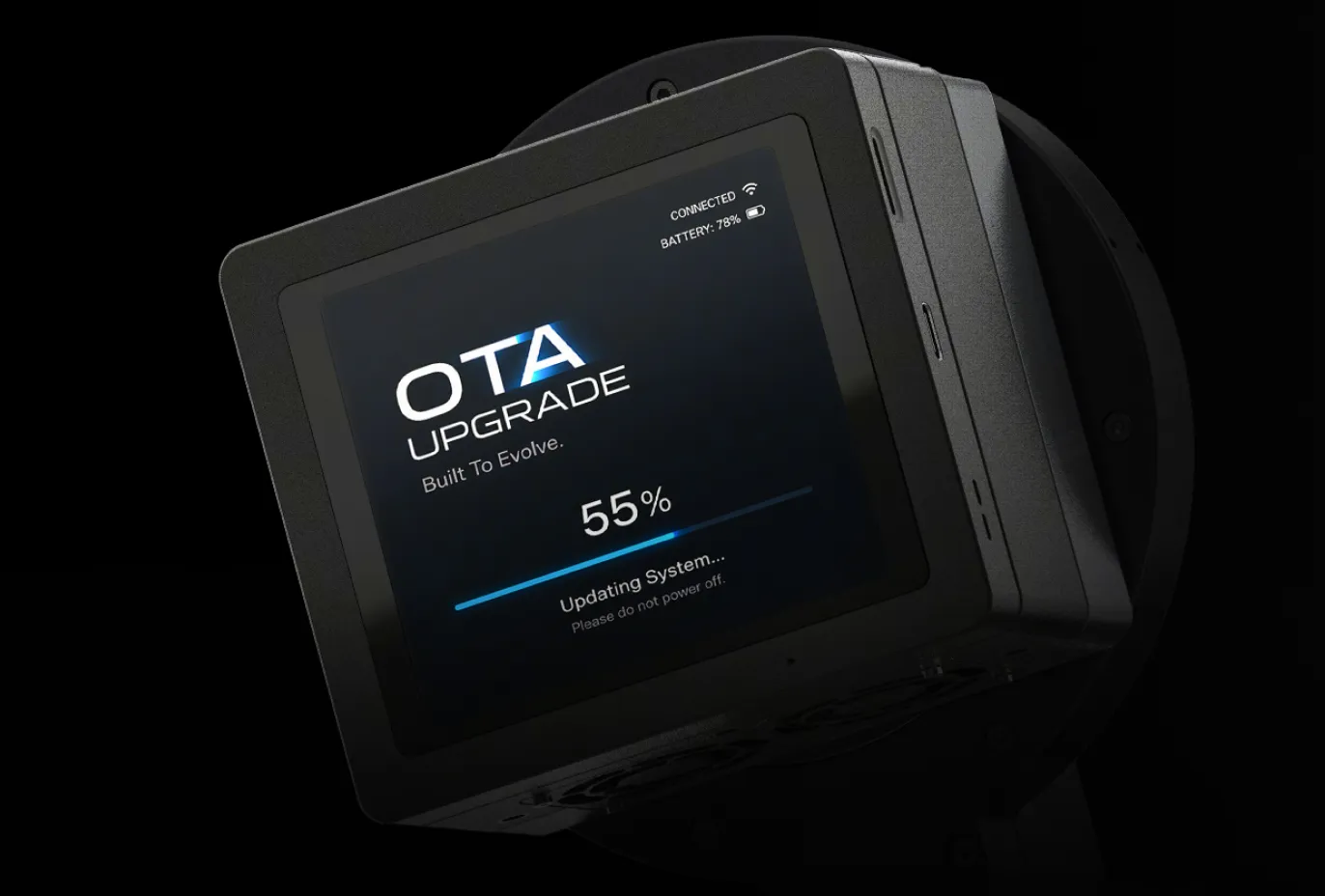
Built to Keep You Shooting
Ongoing feature upgrades and long-term software maintenance arrive through OTA updates, adding more ways to shoot, refining the workflow and improving reliability in the field.
- Feature Upgrades
- More Ways to Shoot
- Long-Term Maintenance
- More Reliable Shooting
Choose Your Pulsar.*
Pulsar: light, and enough for most setups
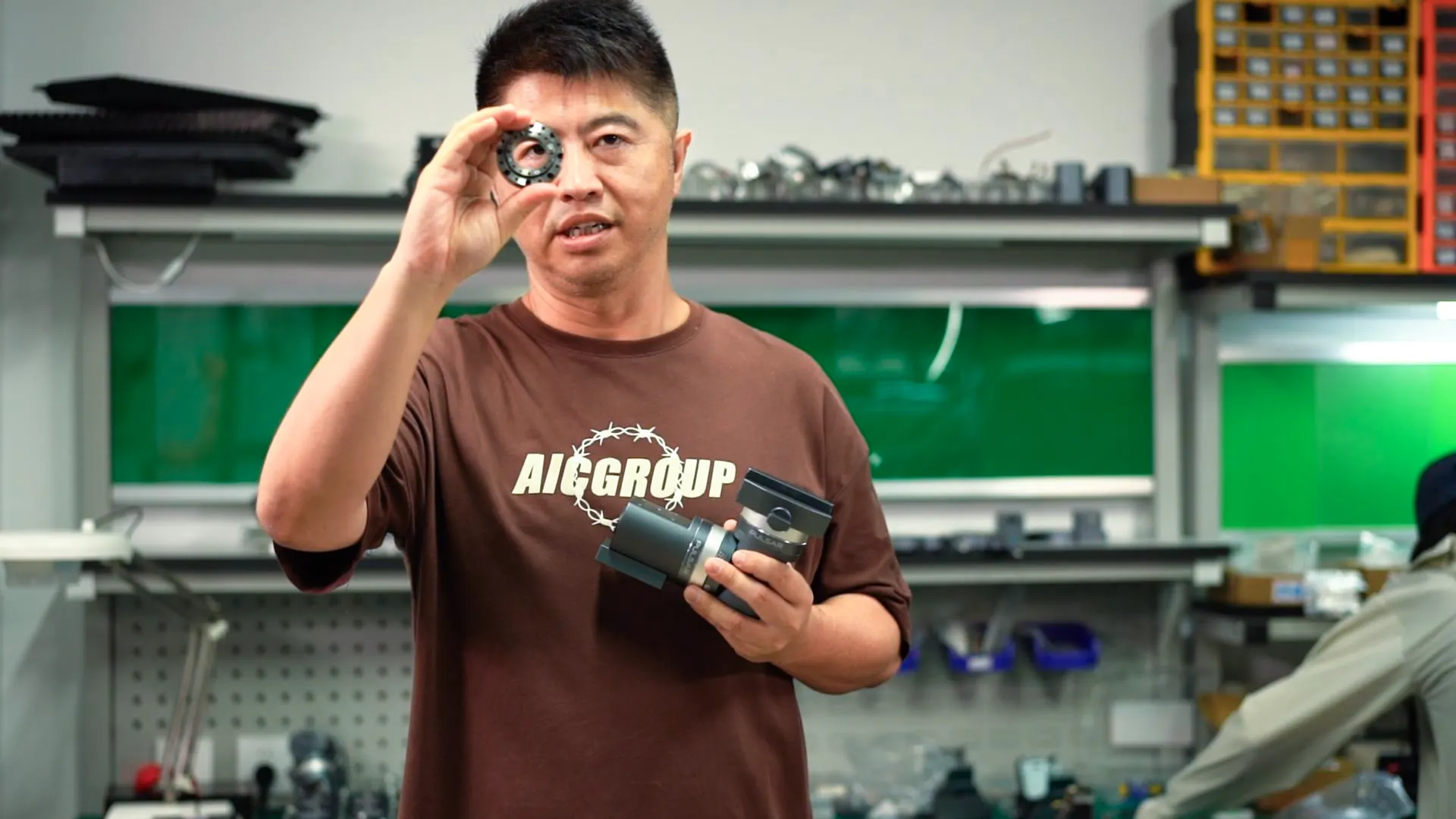
The standard Pulsar stays light and covers most camera-lens and compact-telescope setups. It is the everyday choice.
Pulsar Heavy: for heavy rigs
For heavier telephoto or telescope payloads. It carries more, at the cost of some portability.
| Counterweight batteries | Pulsar | Pulsar Heavy |
|---|---|---|
| No battery | 3kg | 11kg |
| 1 battery · included | 3.5kg | 11.5kg |
| 2 batteries | 5kg | 13kg |
The HALO CAA supports up to 3 kg (6.6 lb), including the camera and lens/telescope. For heavier setups within the mount’s payload limit, remove the CAA and use a lens support bracket and camera angle adapter. Third-axis automatic framing rotation will not be available. Actual capacity depends on equipment balance and configuration.
Tested by Astrophotographers.
Long-form reviews and real-world tests. Videos in English; click to play.
Reviews
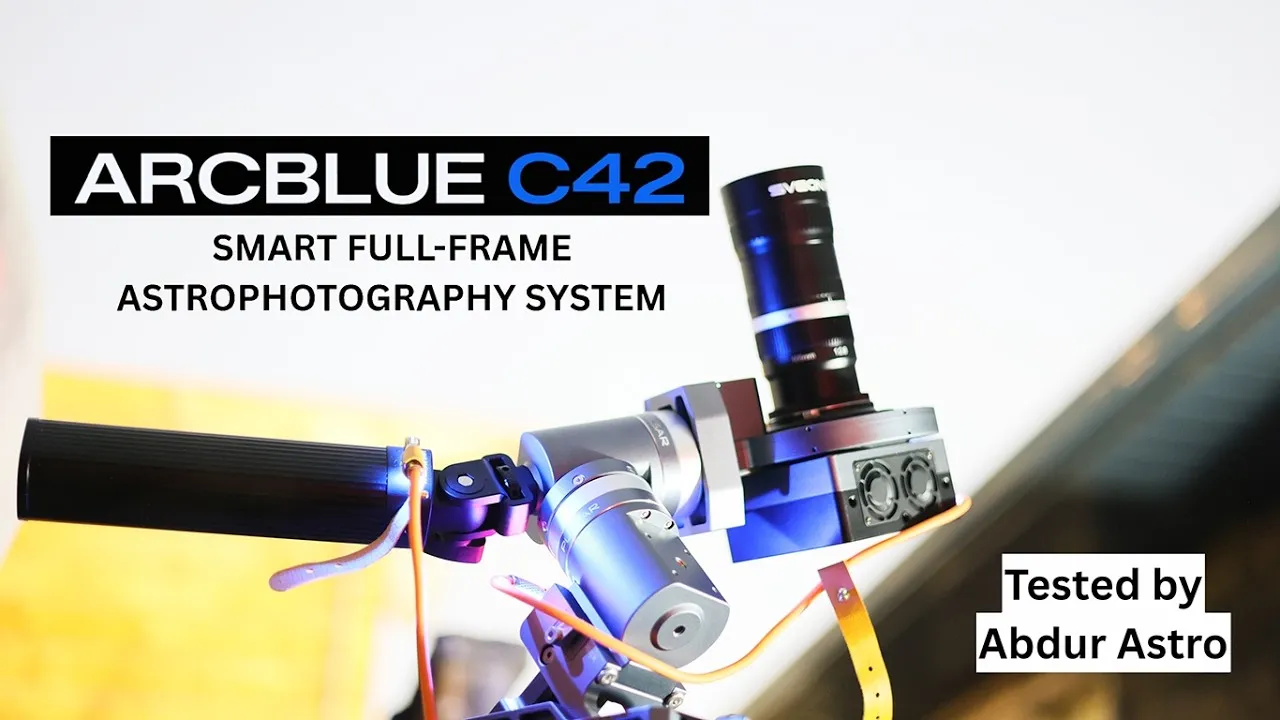
AbdurAstro — Hands on Review
AstroCreation — Can You Use ArcBlue C42 with a Telescope?
Field tests
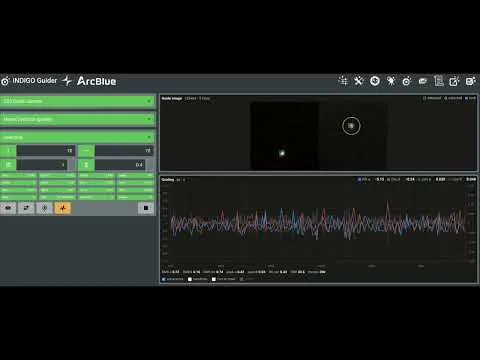
GWI™ Guiding at a Remote Observatory — EQ6-R Pro
GWI™ Guiding with the Pulsar Mount
…it autofocuses, guides, tracks, polar aligns and all of that very well.
 AbdurAstro YouTube hands-on review
Go Deeper.
Not ready to back yet? Get campaign updates by email.
You’re subscribed! Next, reserve your VIP offer with a refundable US$100 deposit.
You’re subscribed! Taking you to our Facebook group…
Continue to VIP Reservation →Frequently Asked Questions
Which telescopes work?
M68 and suitable adapters can connect C42 to telescopes. Check image circle, back focus, focus control, weight and mechanical clearance; a matching thread alone does not confirm compatibility.
Can I change the mount plate later?
Yes. Swap between Sony E, Canon EF, Nikon Z and M68 as your optics change.
Can I use C42 with my own mount?
The C42 camera can be used on third-party mounts such as the Sky-Watcher EQ6-R Pro. Telescope and adapter compatibility must be checked for each setup.
What is GWI™ guiding accuracy?
With GWI™ active, the published guide-star deviation is ±0.5 pixels on the imaging sensor. This is not ±0.5 arcseconds or an RMS specification; results depend on the setup and observing conditions.
Why does Pulsar have three axes?
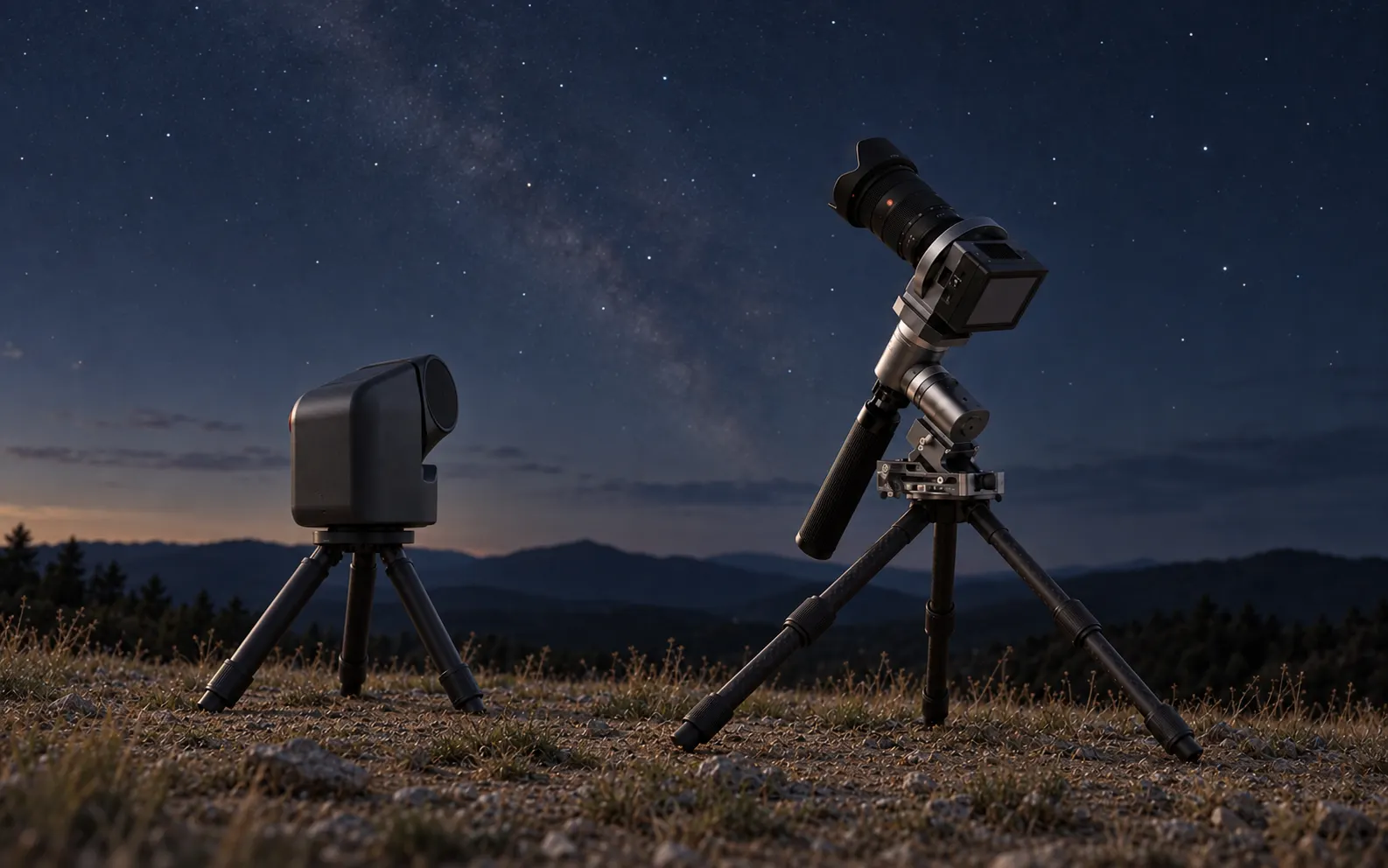
RA and DEC track the sky. HALO CAA adds the third axis, rotating the camera and lens together for framing.
Do I still need a laptop?
The core capture workflow runs through ArcBlue OS and the magnetic touchscreen. You may still use a computer for editing, external mosaic stitching and other specialist workflows.
Is it only for permanent observatories?
No. C42 is built for the field and the backyard, and also supports remote-observatory setups over Ethernet.
Should I choose Pulsar Heavy?
Choose according to the complete imaging payload, its length and balance. Pulsar Heavy is a paid replacement for the standard mount, not a second included mount; check the configuration and compatibility details.
Warranty
- C42 Camera: 2-Year Warranty
- Pulsar Equatorial Mount: 2-Year Warranty
- Counterweight Battery: 1-Year Warranty