
KICKSTARTER GUIDE
How to back ArcBlue C42
Follow these six steps to back ArcBlue C42 on Kickstarter.
VIP deposit reservations are closed. You can still back the live Kickstarter campaign.
Video in English.
From your account to delivery
Screenshots are examples from our desktop guide. Current prices and payment options are shown on Kickstarter.
-
During the campaign
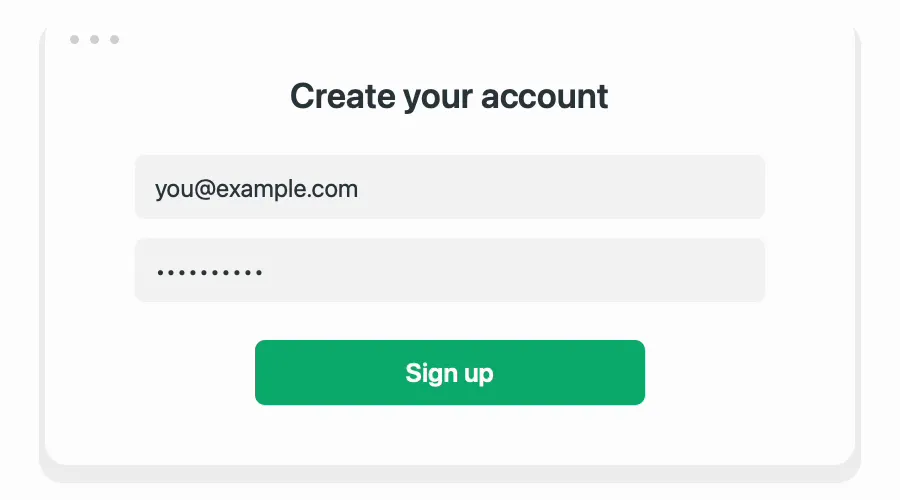
01Create an account or sign in
Create a Kickstarter account or sign in. If you already paid a VIP deposit, use the same email address so we can match your benefits.
- 02
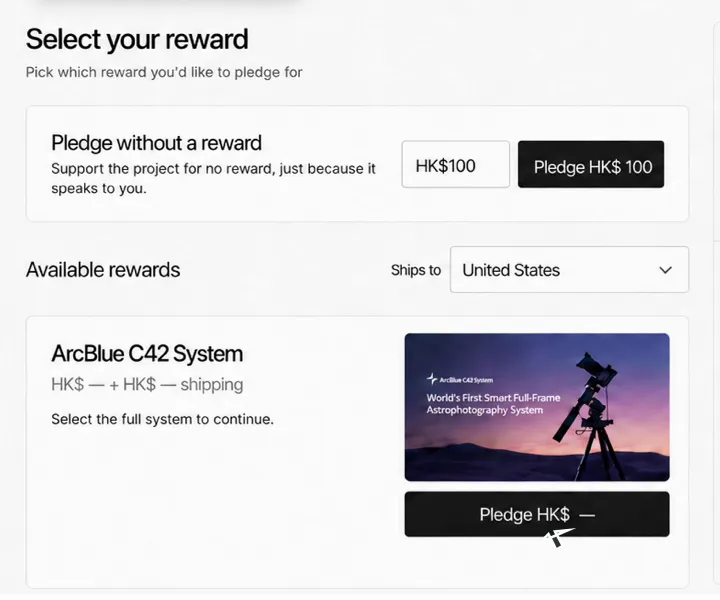
Choose your reward
Open the C42 project and select “Back this project”. Choose your delivery country and reward, then add any optional upgrades. Continue without add-ons if you do not need them.
- 03
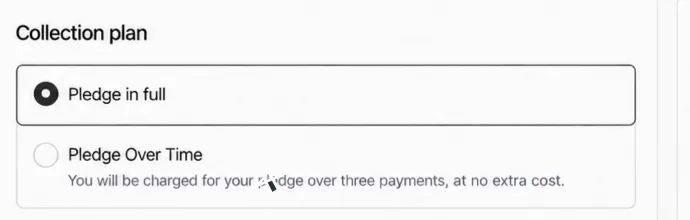
Choose how to pay
Select “Pledge in full” or “Pledge Over Time” if offered at checkout. The latter splits an eligible pledge into three interest-free payments: one at successful campaign end and two monthly payments. Check the schedule shown by Kickstarter.
- 04
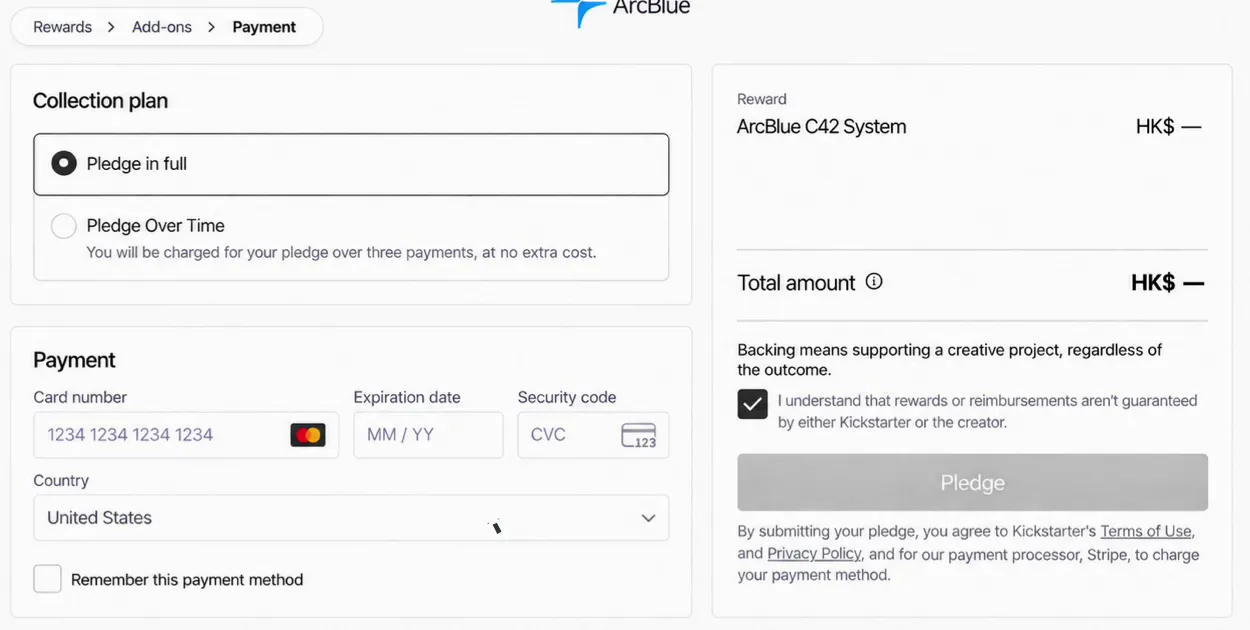
Review and confirm your pledge
Enter your card details and payment country, then complete any verification requested by your bank. Check your reward, add-ons and pledge total before confirming.
-
After the campaign
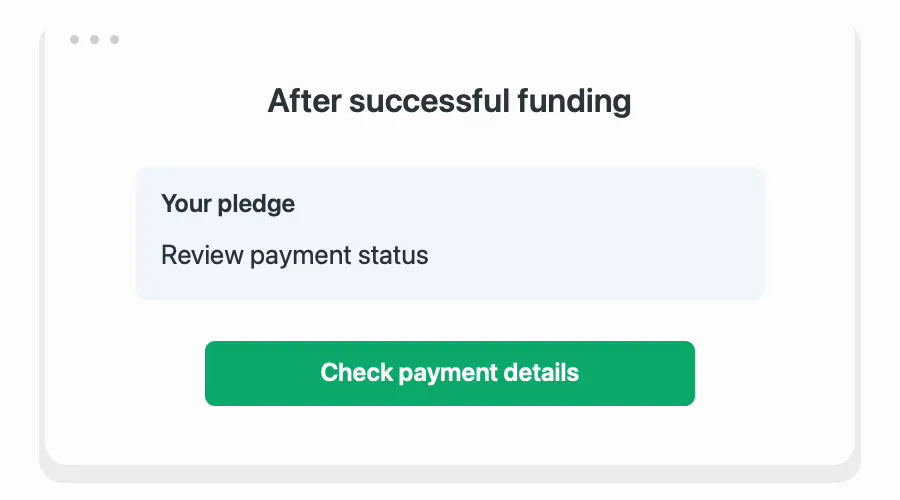
05Check your payment after the campaign
After successful funding, check your pledge and payment status on Kickstarter. Follow any payment update instructions. Installment pledges must be fully paid before shipment can be arranged.
- 06
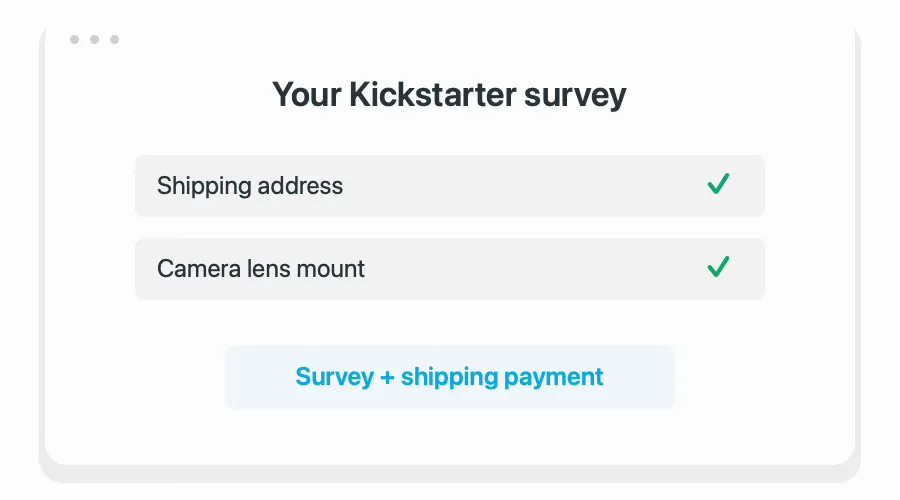
Complete your survey and shipping payment
After the campaign, watch for the survey requesting your full shipping address and camera lens mount choice, plus instructions for paying shipping. Dispatch follows backer number order and production progress.
During the campaign
Back ArcBlue C42 on Kickstarter
